What smartap-cfg Does
The smartap-cfg tool lets you configure your Smartap device without needing the original cloud service.
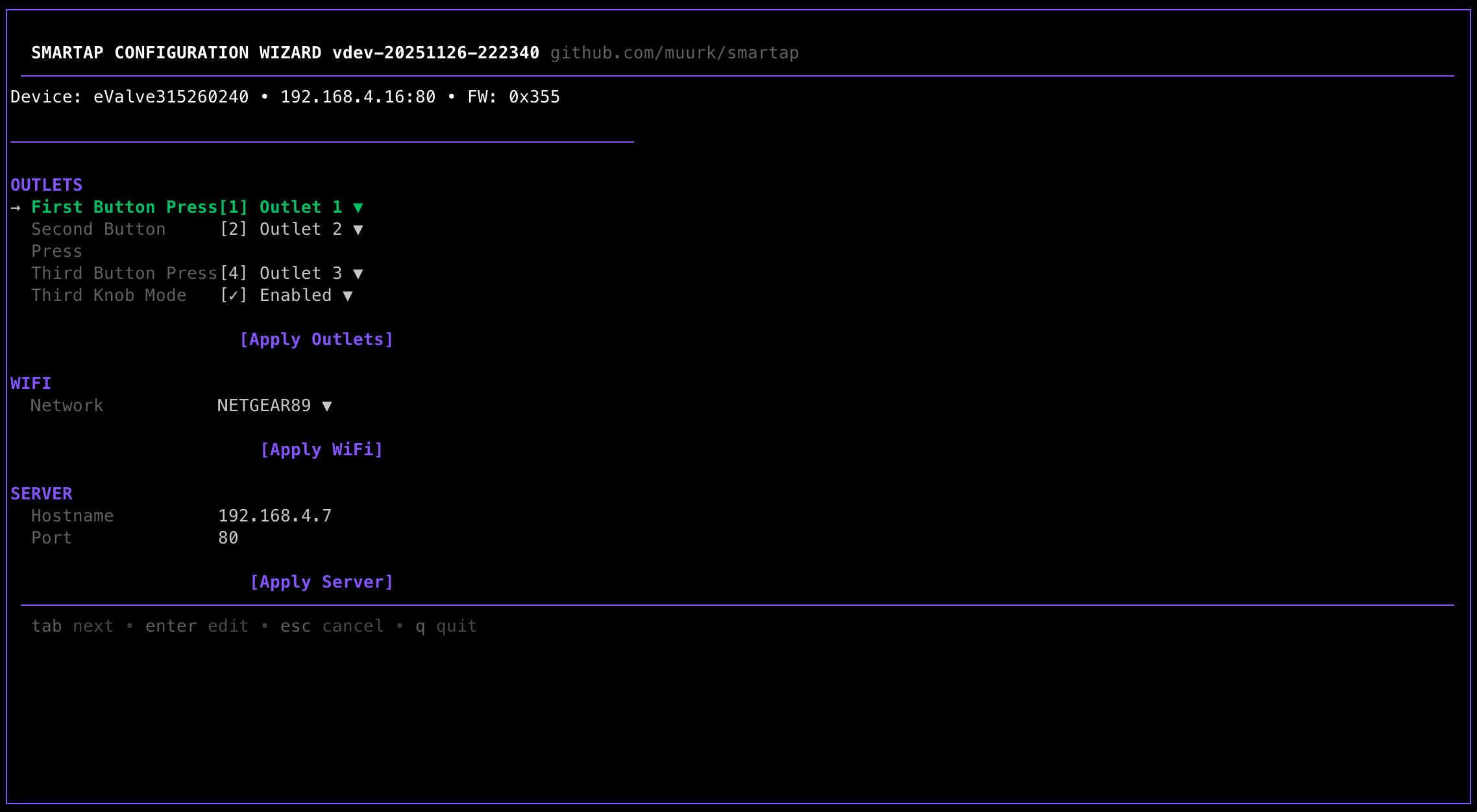
What This Tool Does
- Configure outlets - Choose which water outlets turn on when you press each button
- Configure WiFi - Connect your device to your home network
- Discover devices - Find Smartap devices automatically
What This Tool Does NOT Do
Hardware Issues
This tool configures software settings only. It cannot fix:
- Low water pressure
- Leaking valves
- Physical diverter problems
- Electrical issues
- Any hardware malfunction
If your shower had problems before the company shut down, this tool won't help.
Smart Features
Basic outlet control works with just smartap-cfg. However, advanced smart features (remote control, scheduling, pre-heating) require:
- Jailbreaking your device (hardware modification required)
- Running your own server (experimental)
If you just want basic outlet control, you're in the right place.
Who Is This For?
"My device lost its WiFi settings"
After a power outage or reset, the device may lose WiFi configuration. The wizard helps you set it up again.
"I want to change which button does what"
Each button on your shower can be configured to control different outlets. The wizard lets you change these assignments.
"I changed my WiFi password"
If you changed your home WiFi password, the device can no longer connect. Put it in setup mode and reconfigure with the new credentials.
Requirements
- Smartap device that powers on (LEDs should light up)
- Computer (Windows, macOS, or Linux)
- 5-10 minutes of your time
No technical expertise required. The wizard guides you through everything.
Next Steps
Not What You Need?
- Want remote control and scheduling? → Device Jailbreak Guide
- Want to contribute to the project? → Contributing Guide
- Have questions? → FAQ